Examples
See what businesses like yours can build
Each example below has its own app, website and staff console, all made in Experplex without writing code.
These are example businesses we built with Experplex. Every screen is a real capture, not a mock-up.
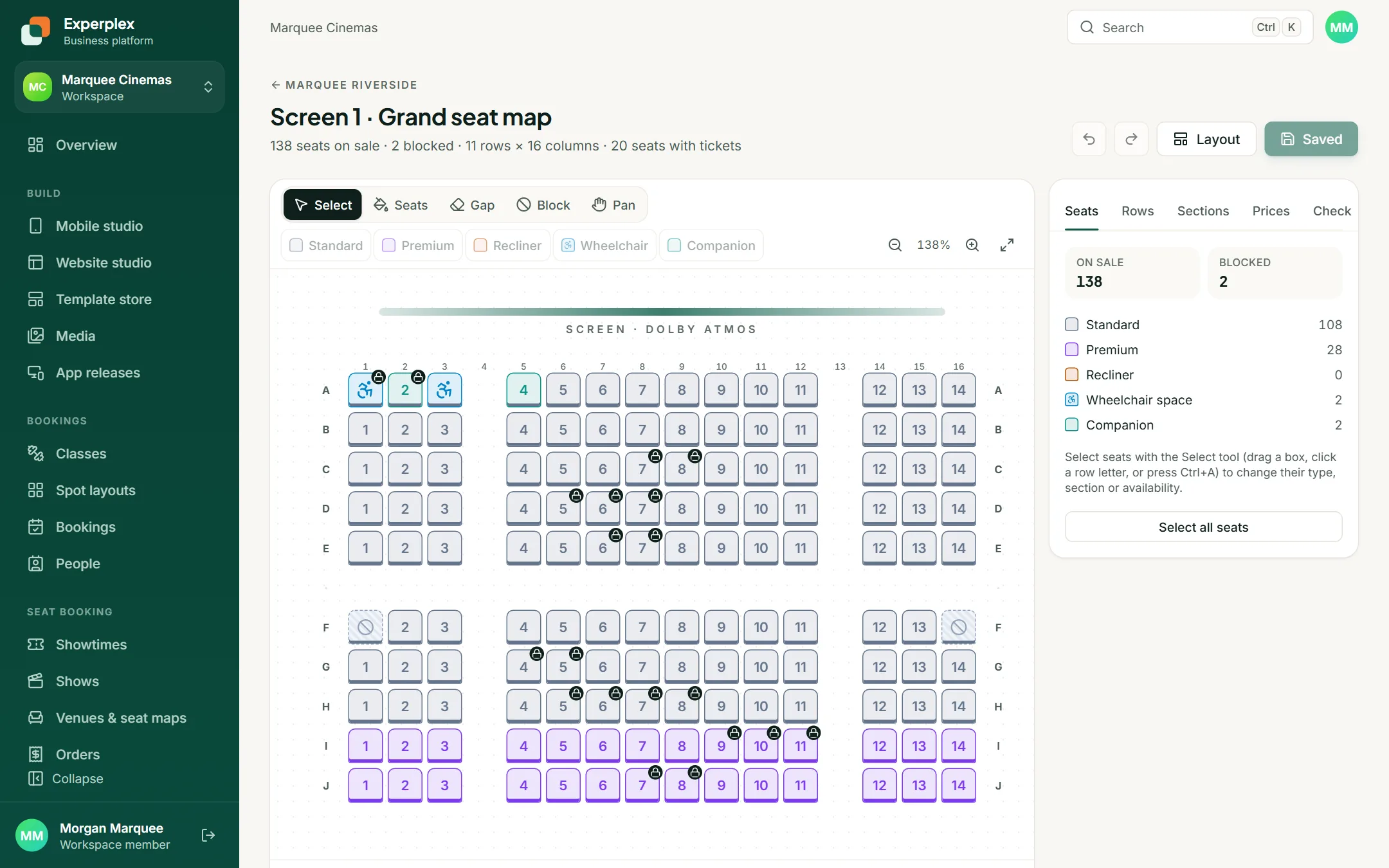
Marquee Cinemas
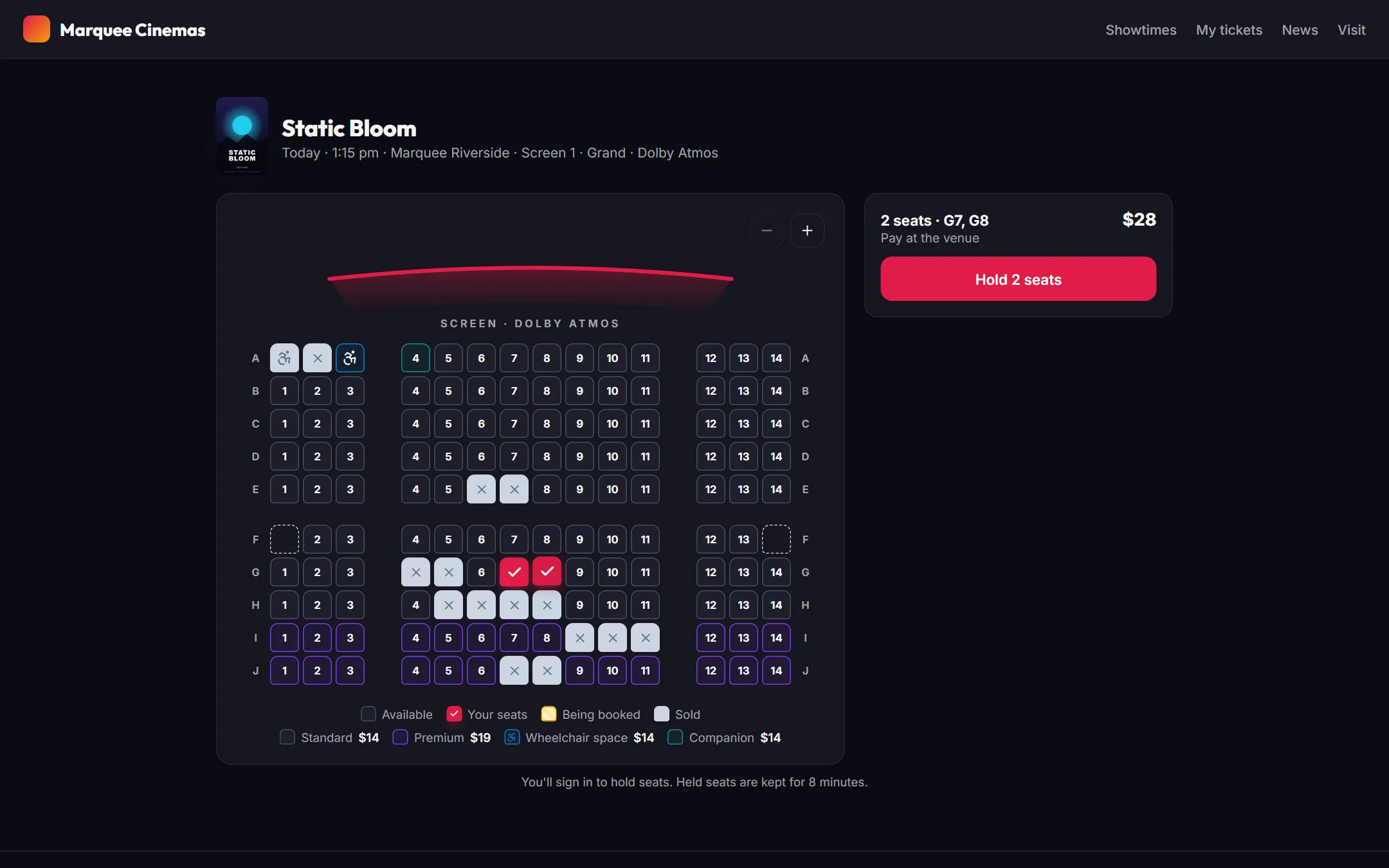
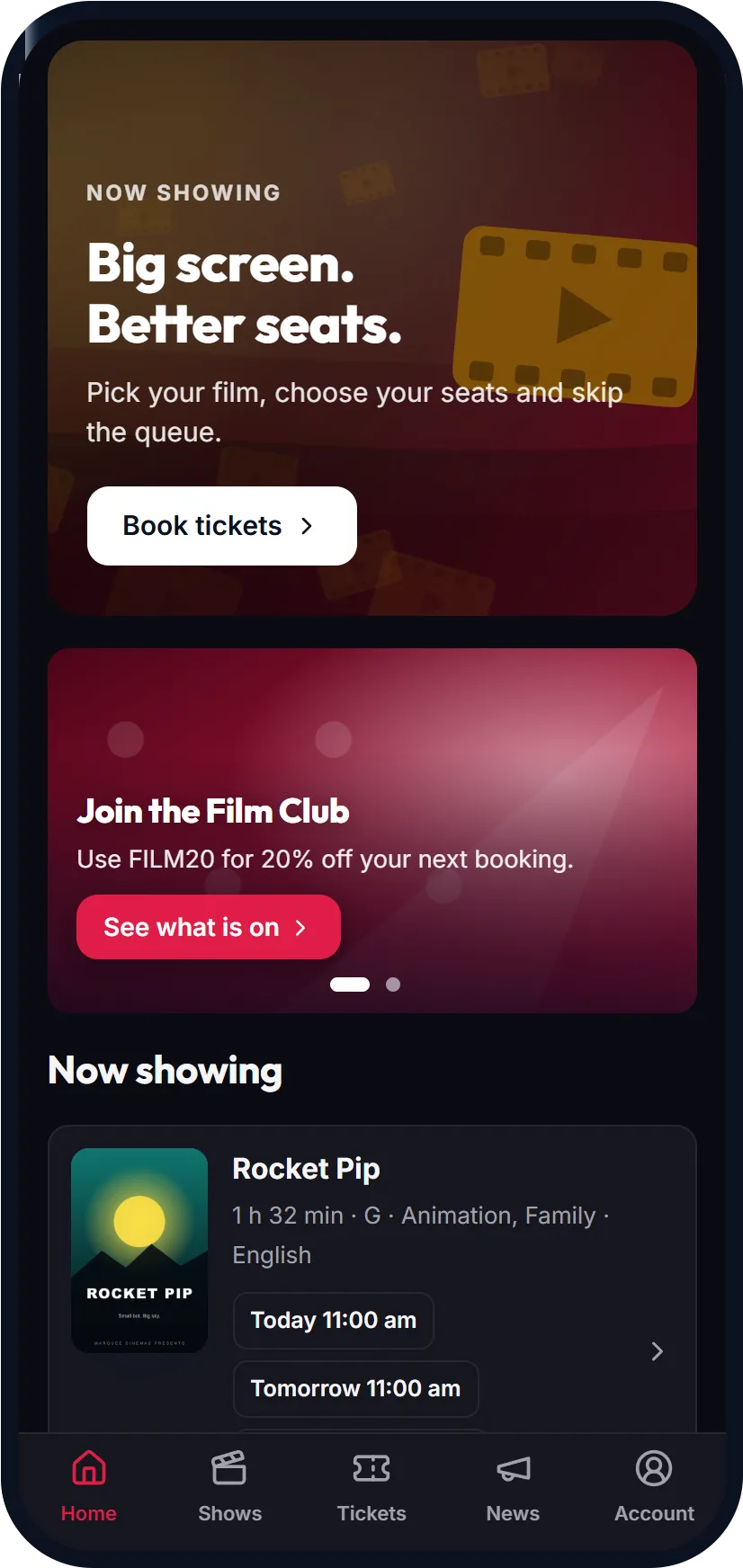
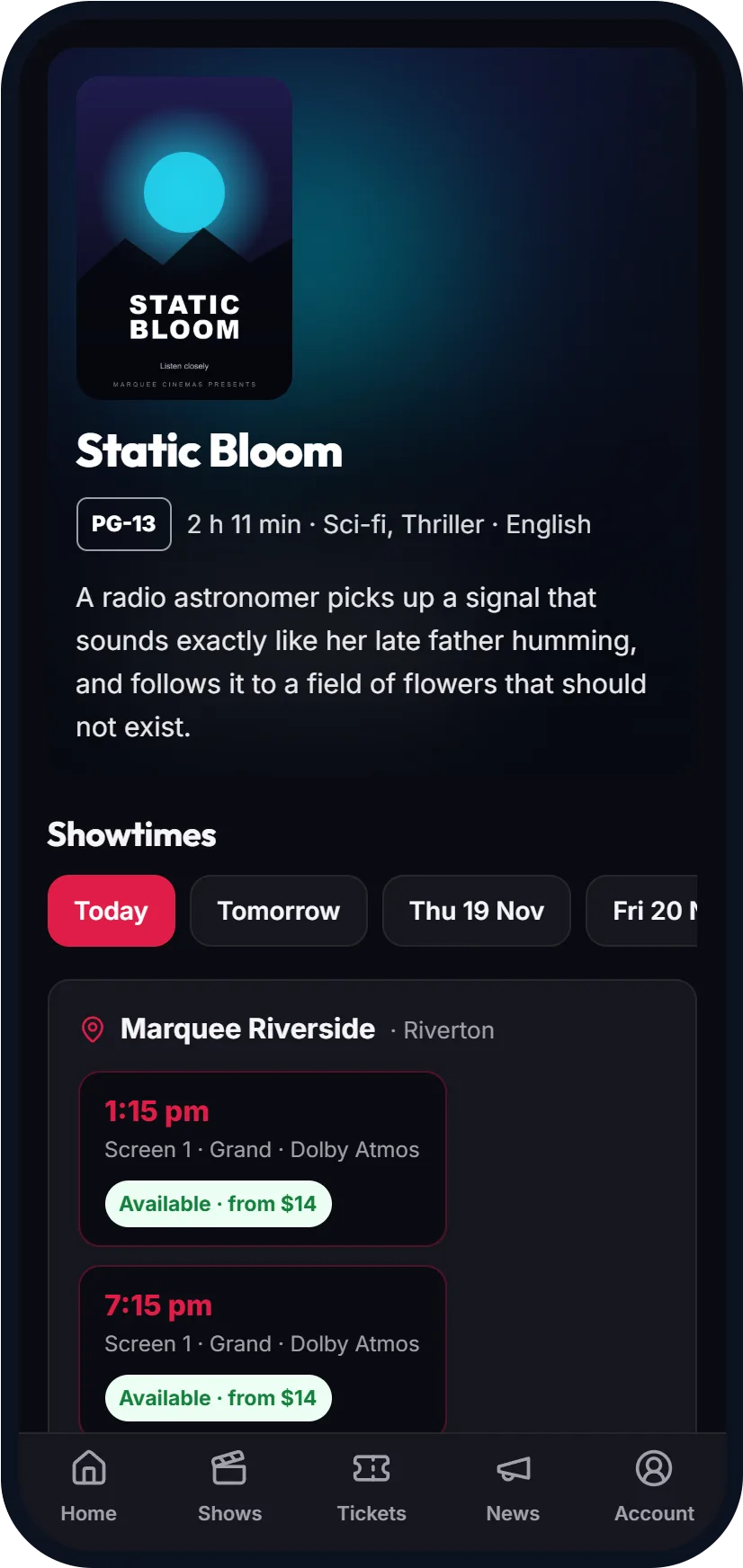
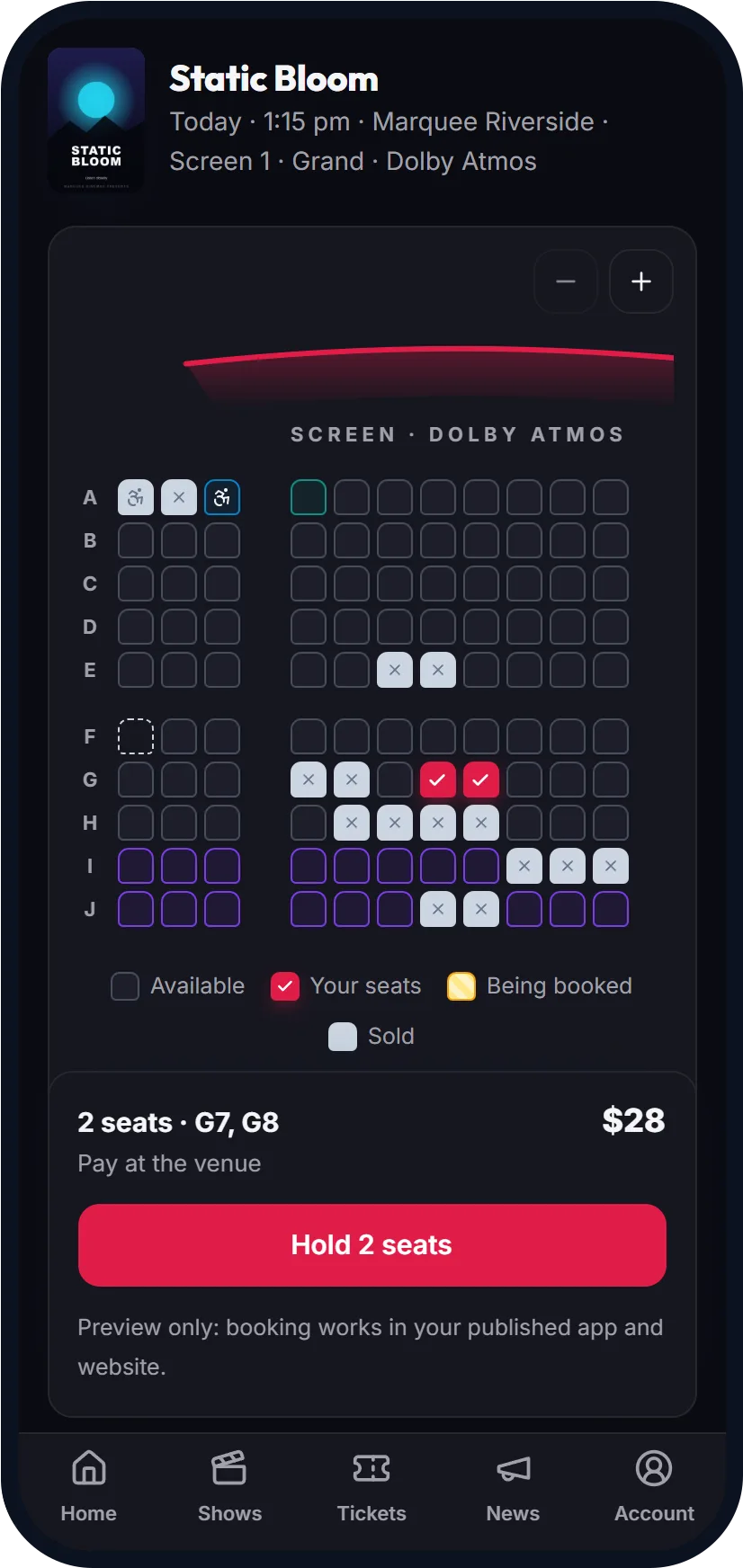
Film fans see what is showing, pick their own seats on the map and show their ticket at the door.
What it uses
Films, screens and showtimes
Seat maps with accessible and premium seats
Tickets and orders
Promo codes such as matinee deals
Announcements to every customer
On a phone
How staff run it
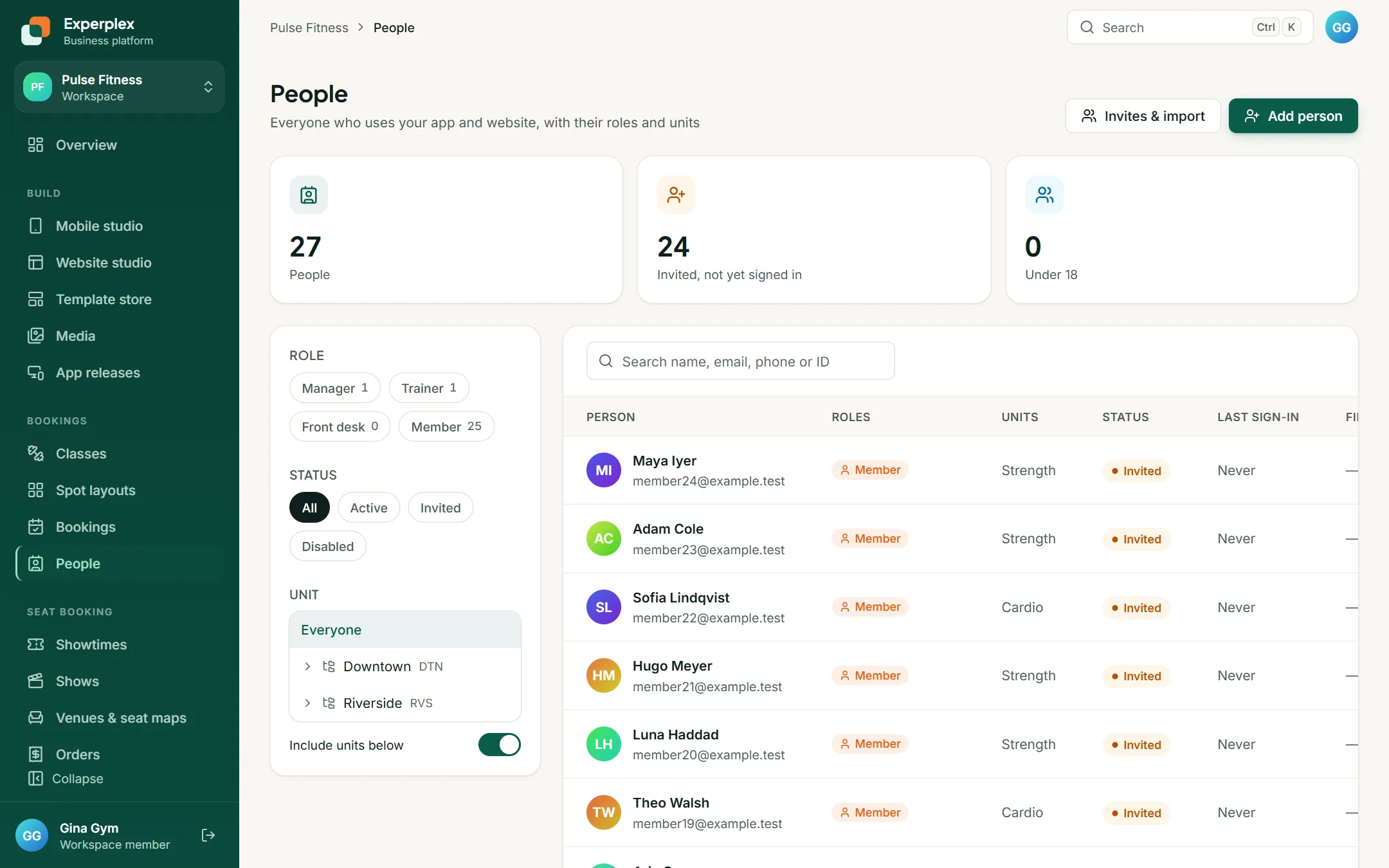
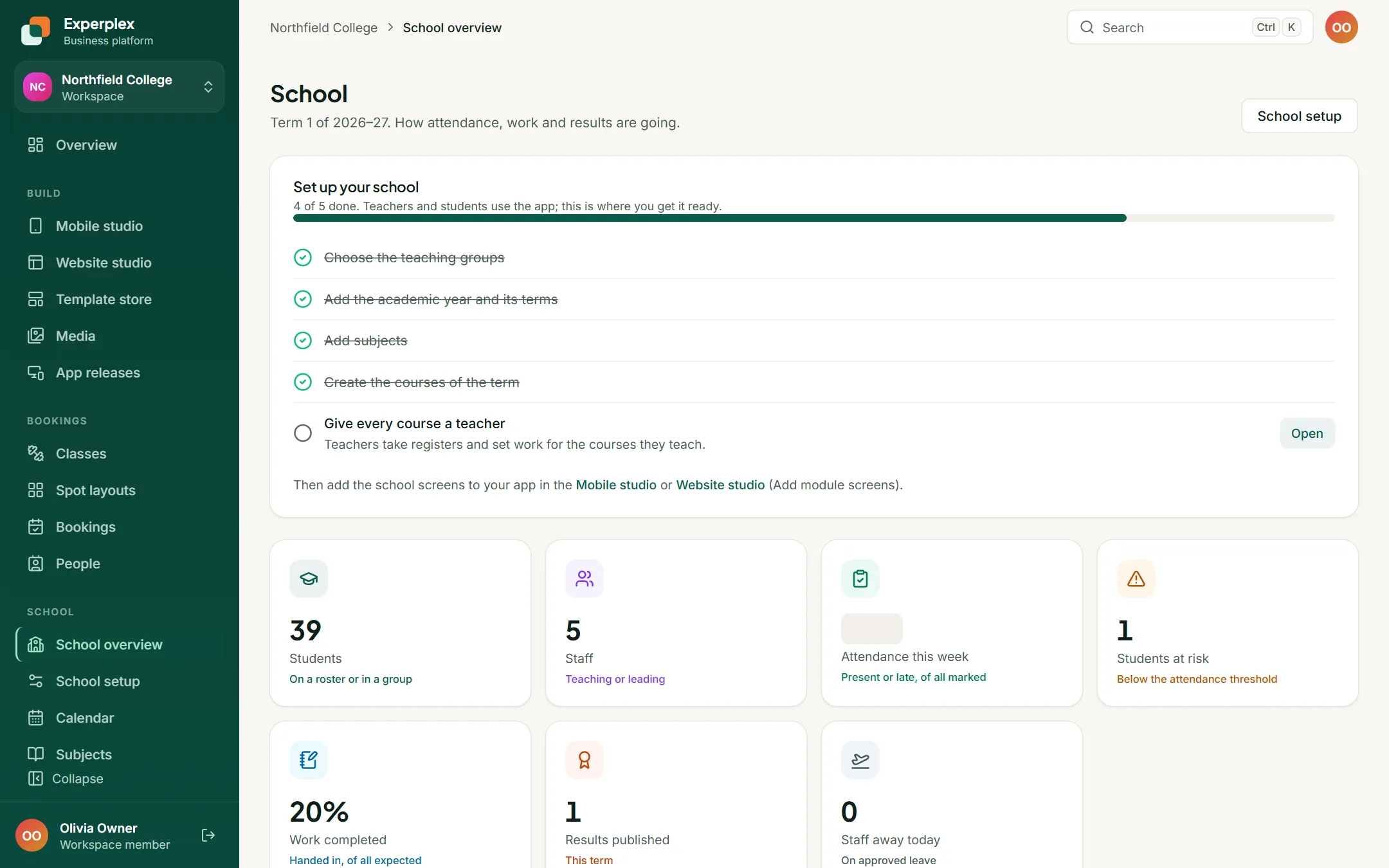
Staff look after the same business from the console, on a computer.
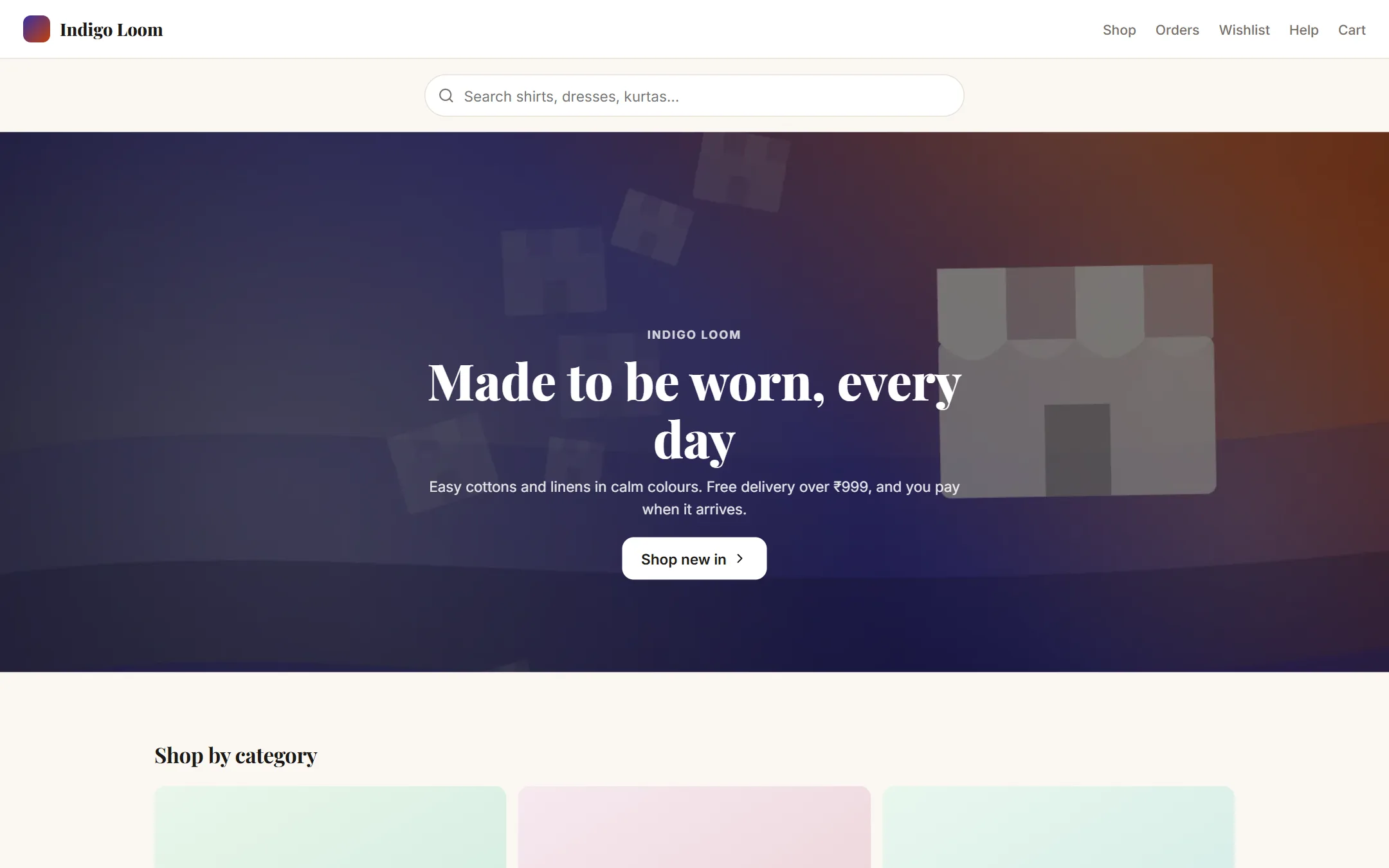
Indigo Loom
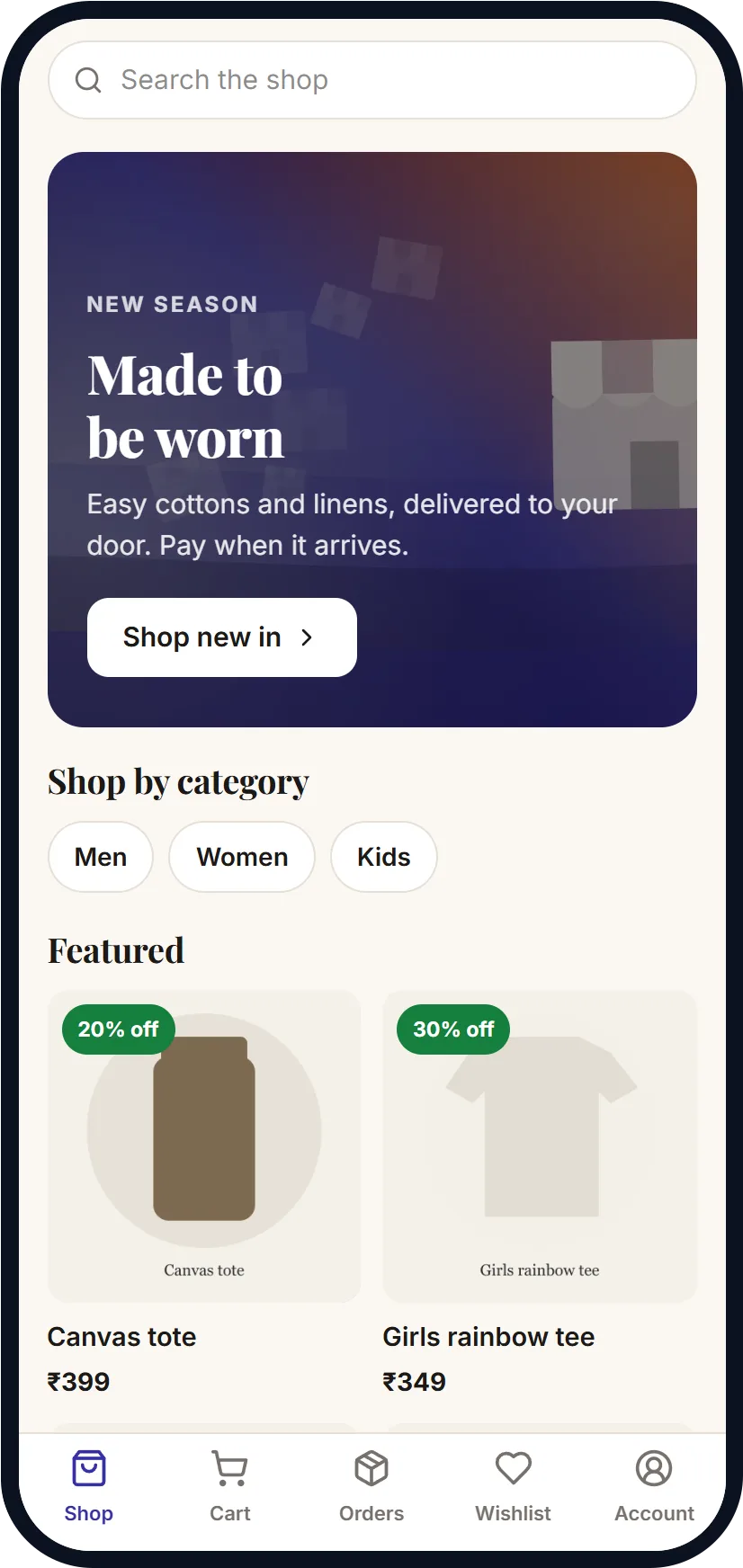
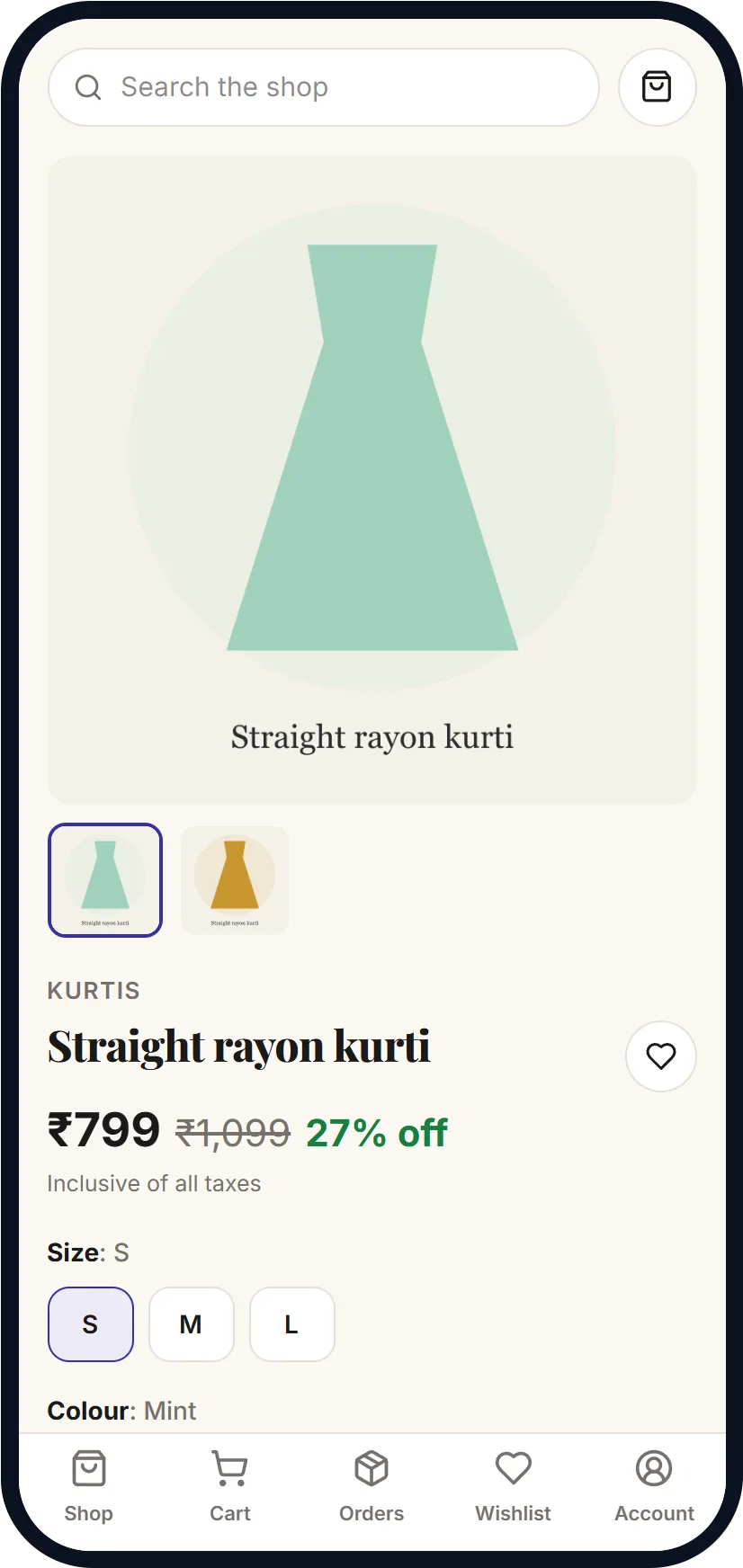
Shoppers browse by category, pick a size and colour, and pay when the parcel arrives.
What it uses
Product catalogue with sizes and colours
Cart and checkout with cash on delivery
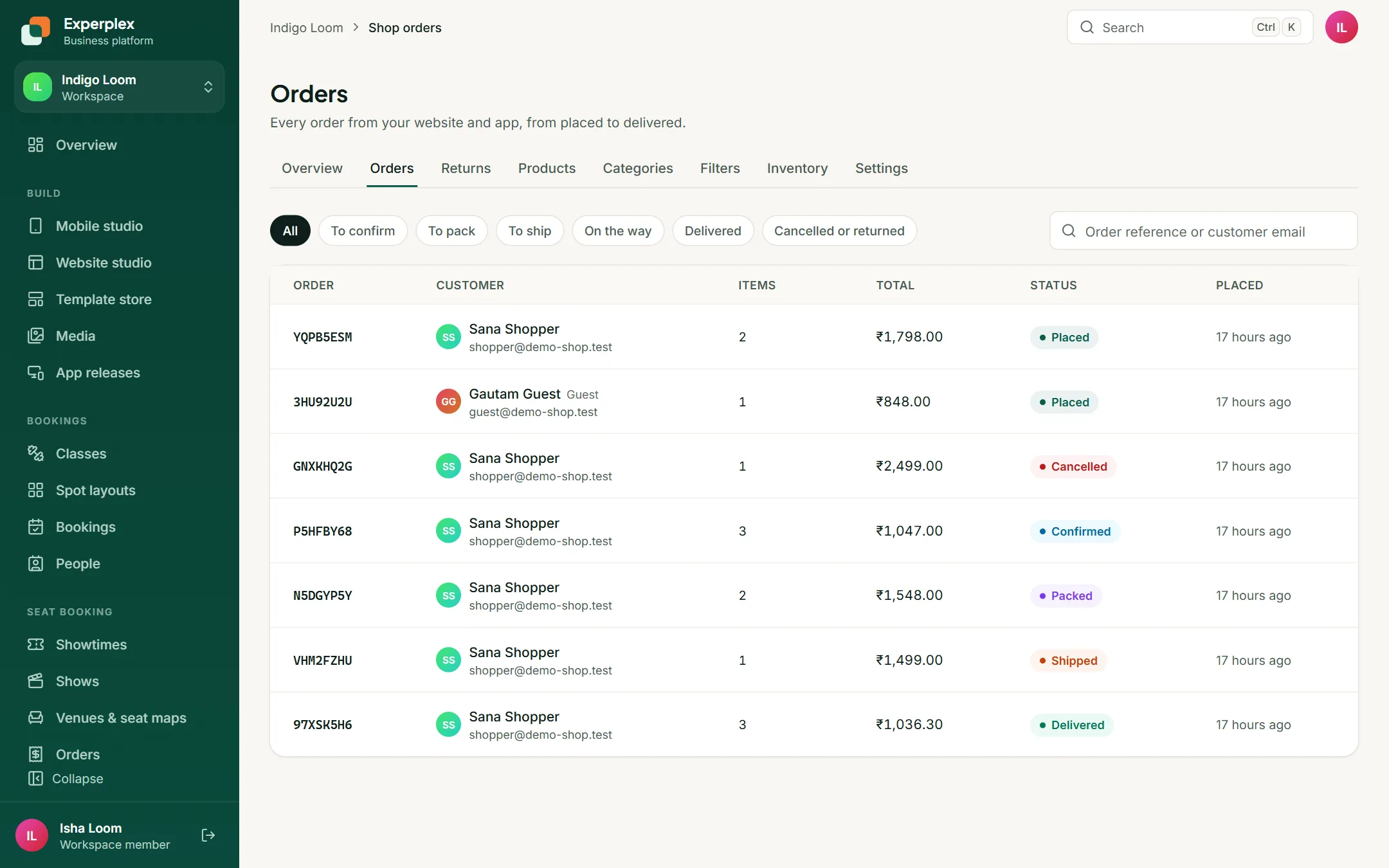
Order tracking and returns
Wishlist
GST invoices
On a phone
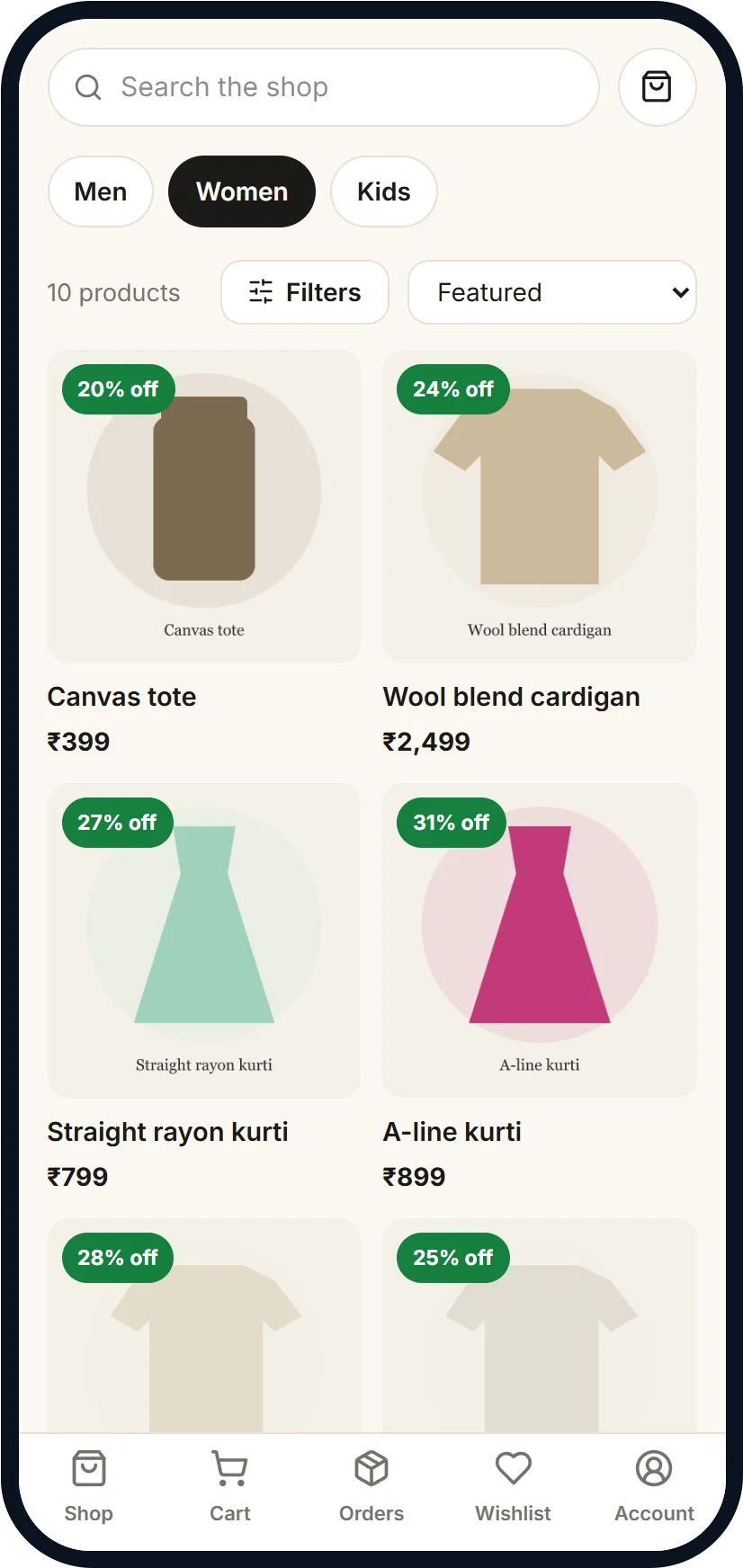
How staff run it
Staff look after the same business from the console, on a computer.
Pulse Fitness
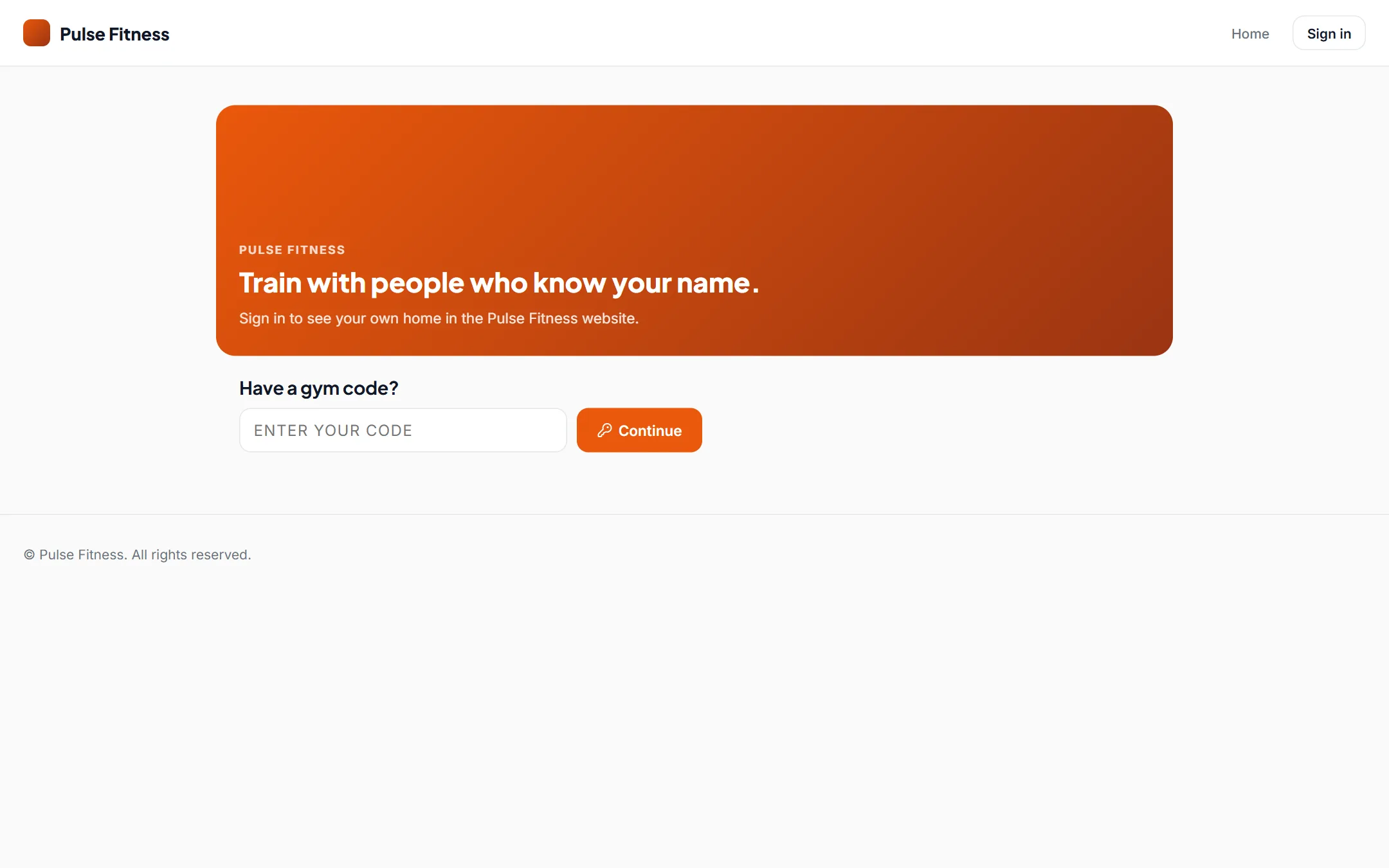
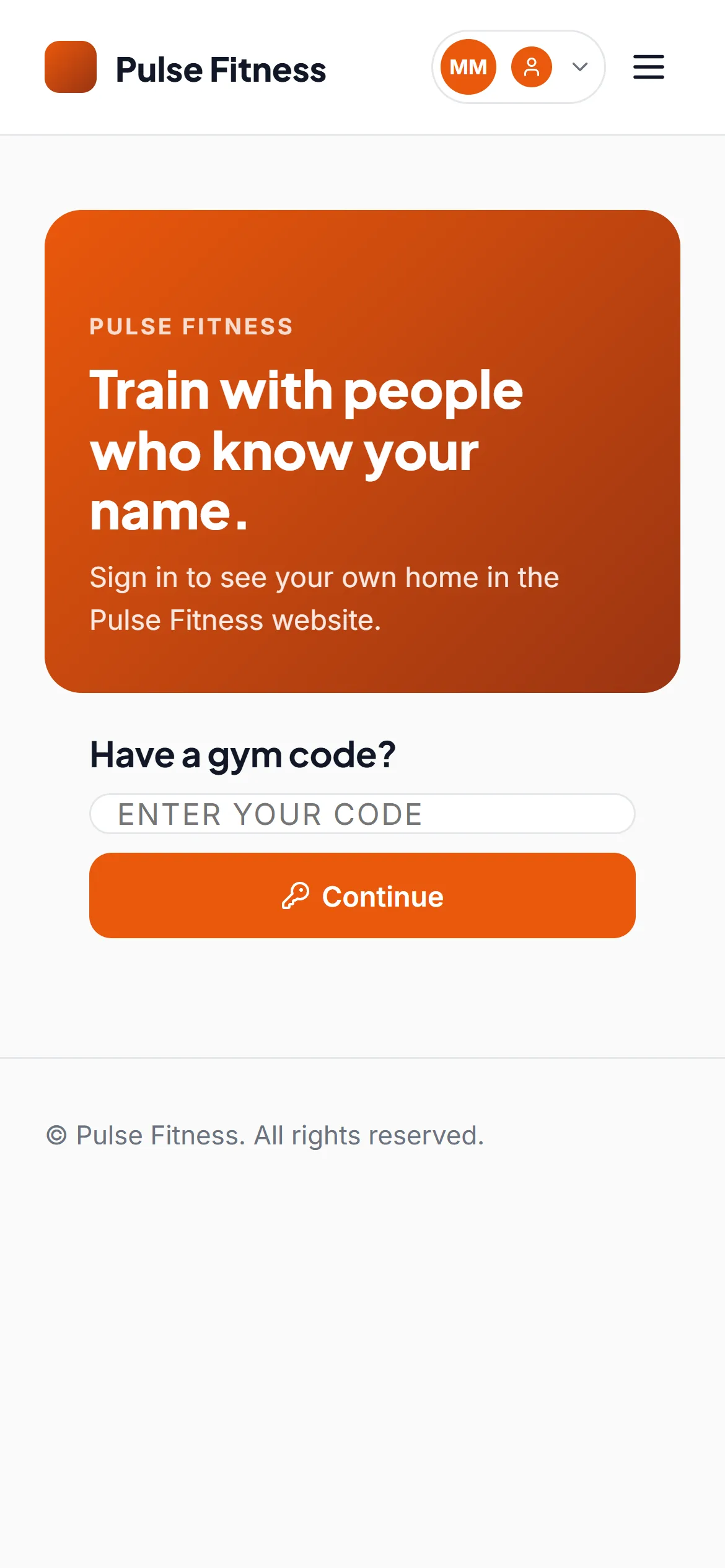
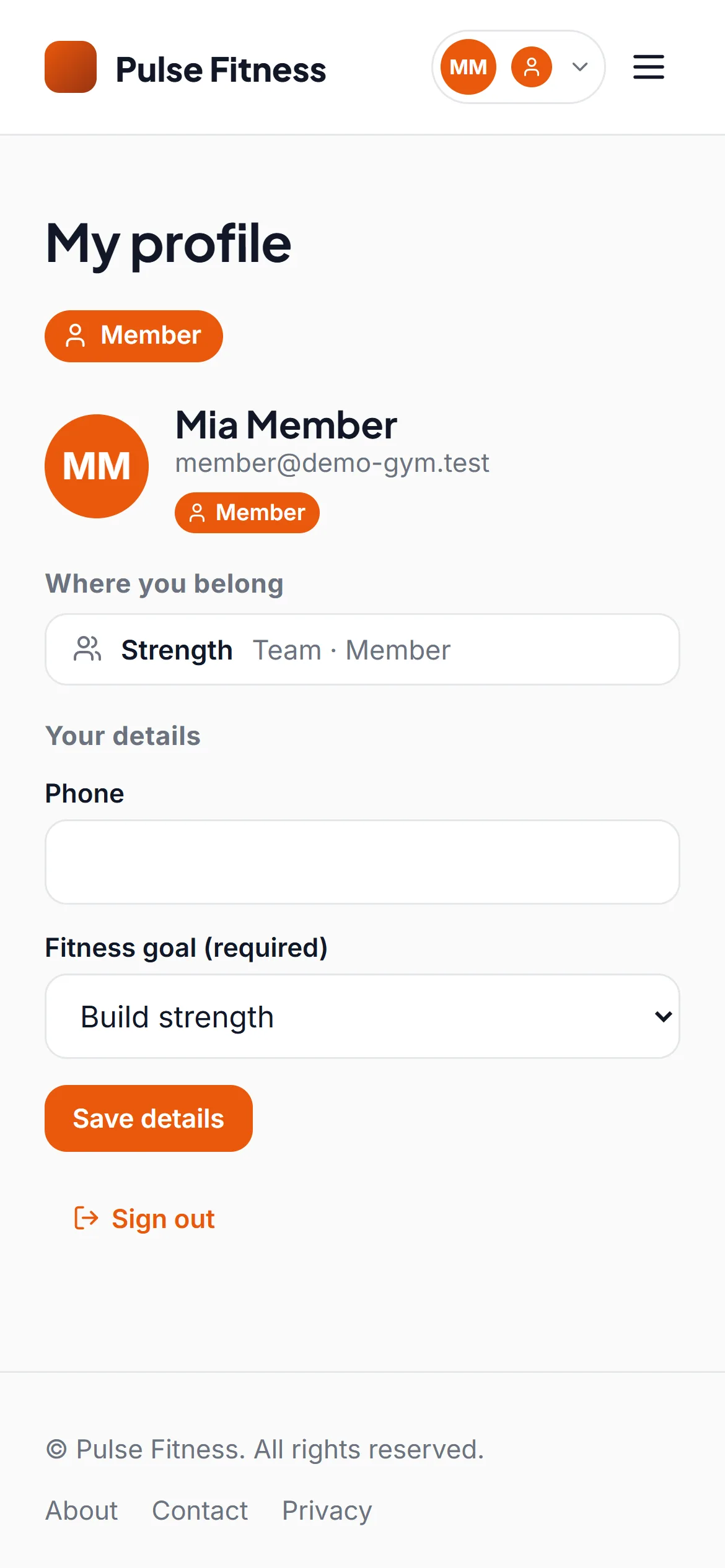
Members check in with a code on their phone, follow the plan their trainer wrote, and log every set.
What it uses
Memberships and renewals
Check-in by QR code
Workout and diet plans from trainers
Progress and personal records
Messages between member and coach
On a phone
How staff run it
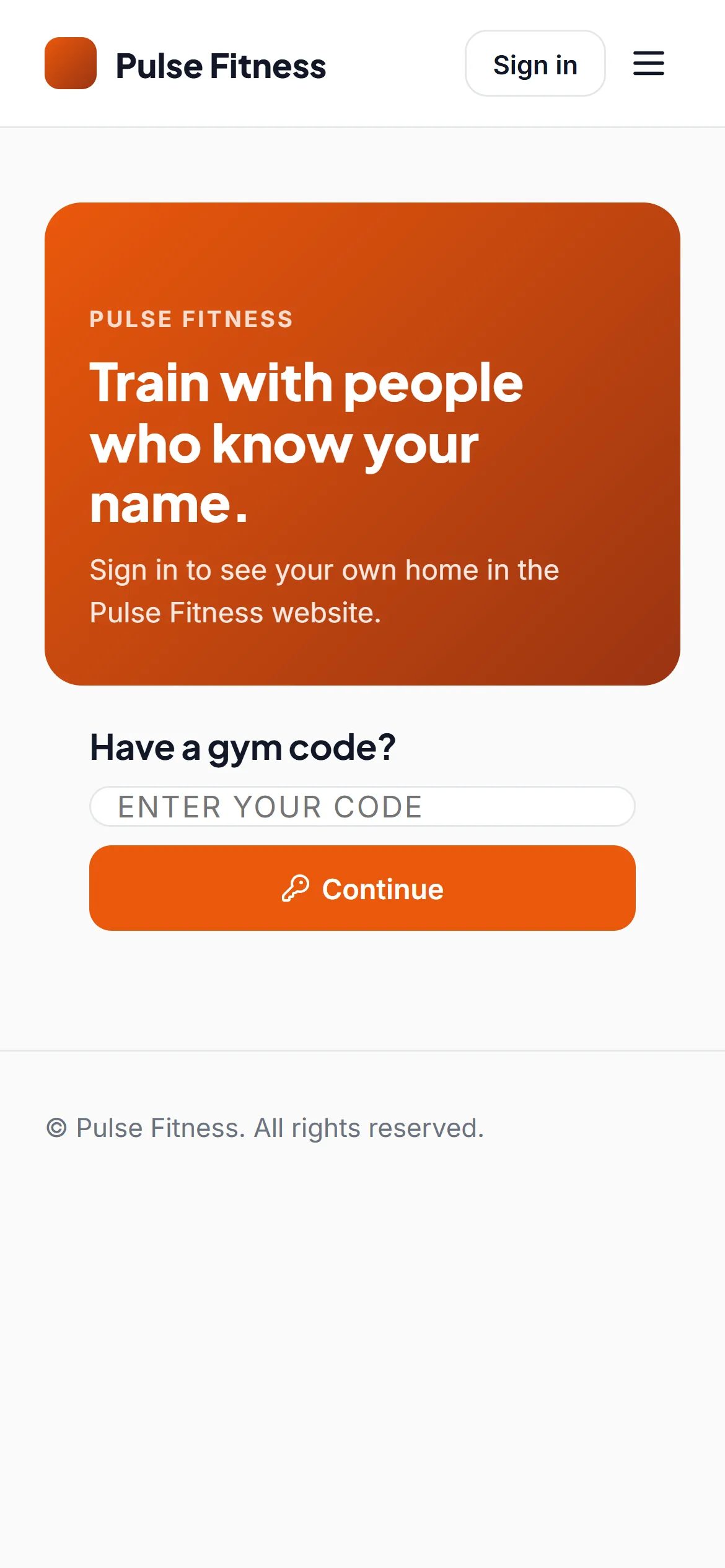
Staff look after the same business from the console, on a computer.
Northfield College
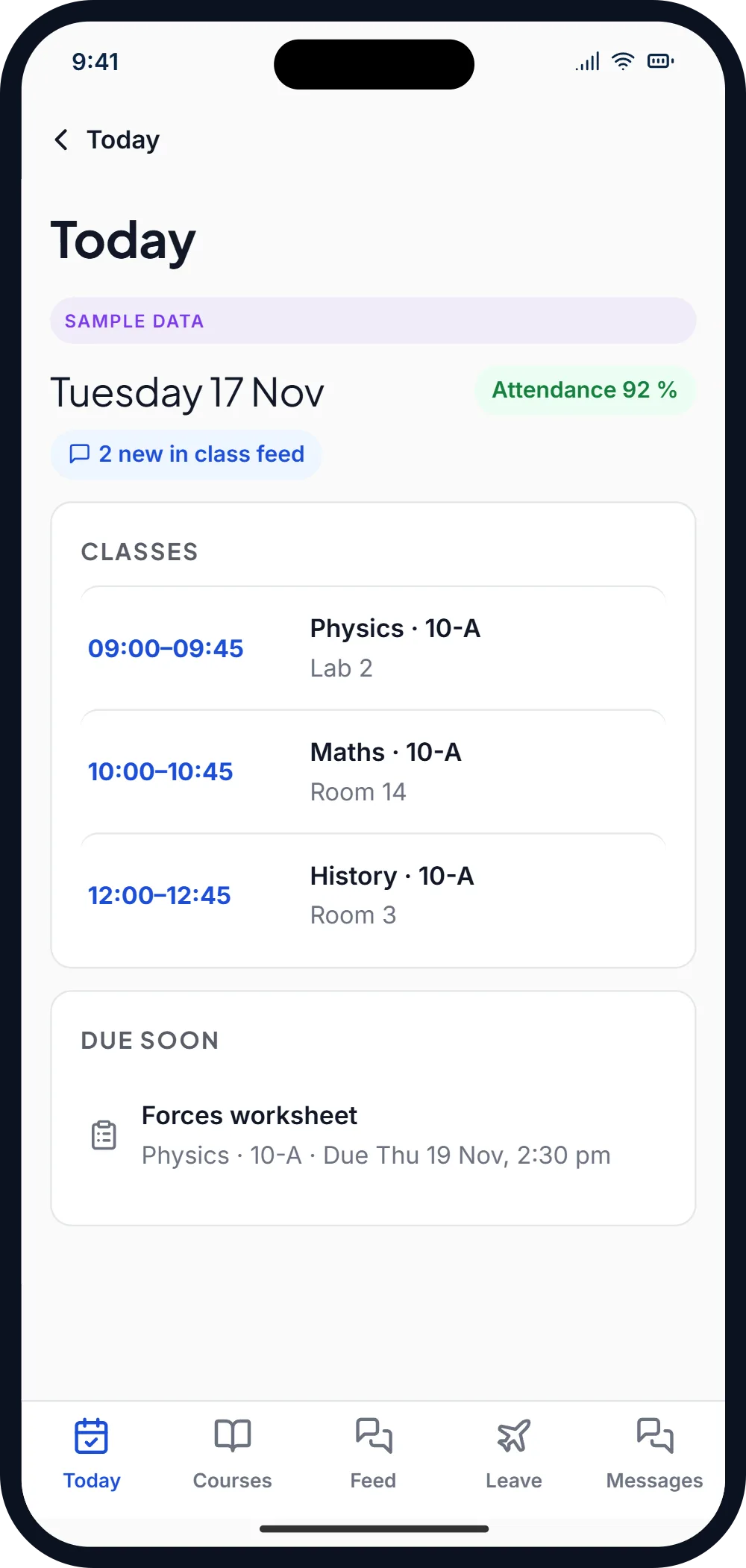
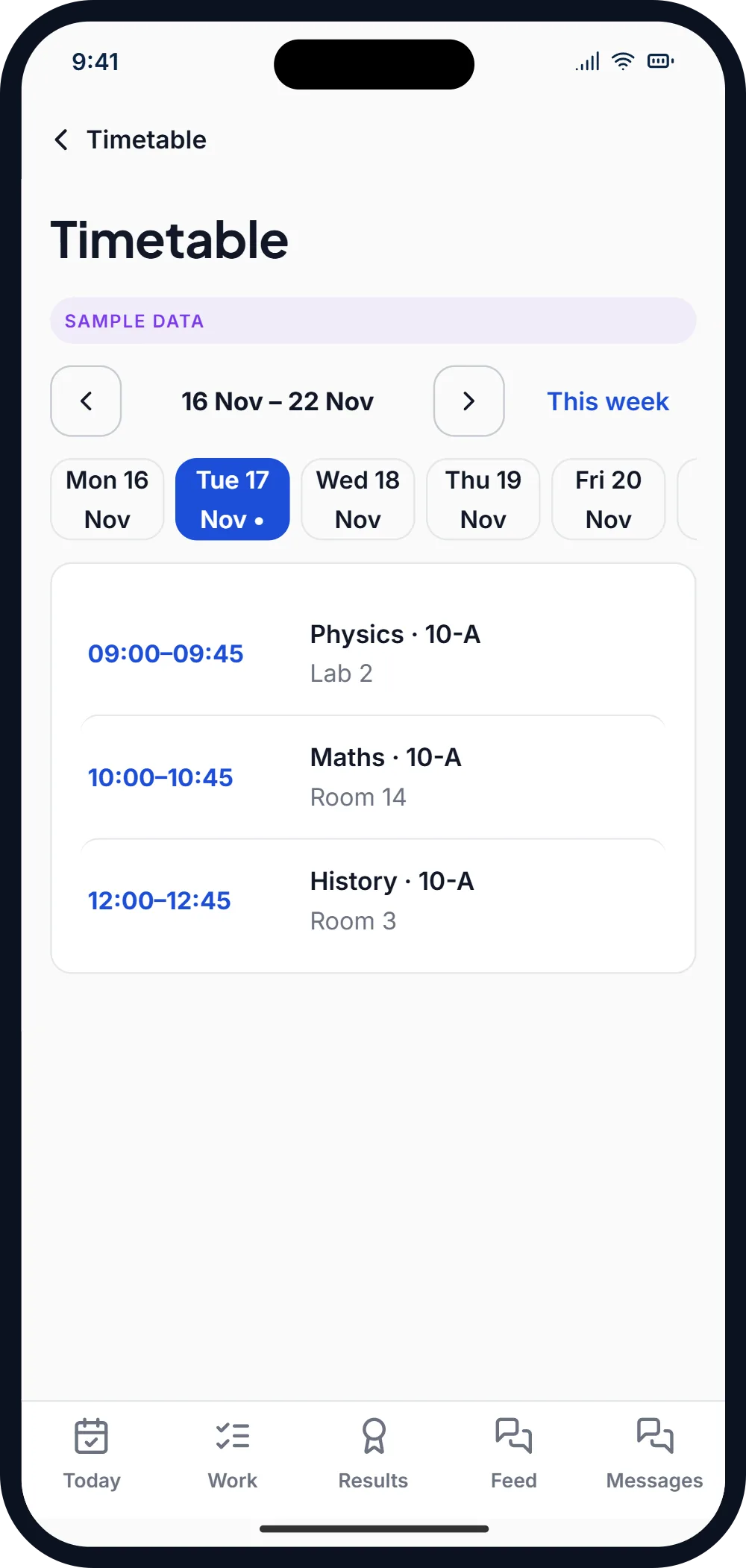
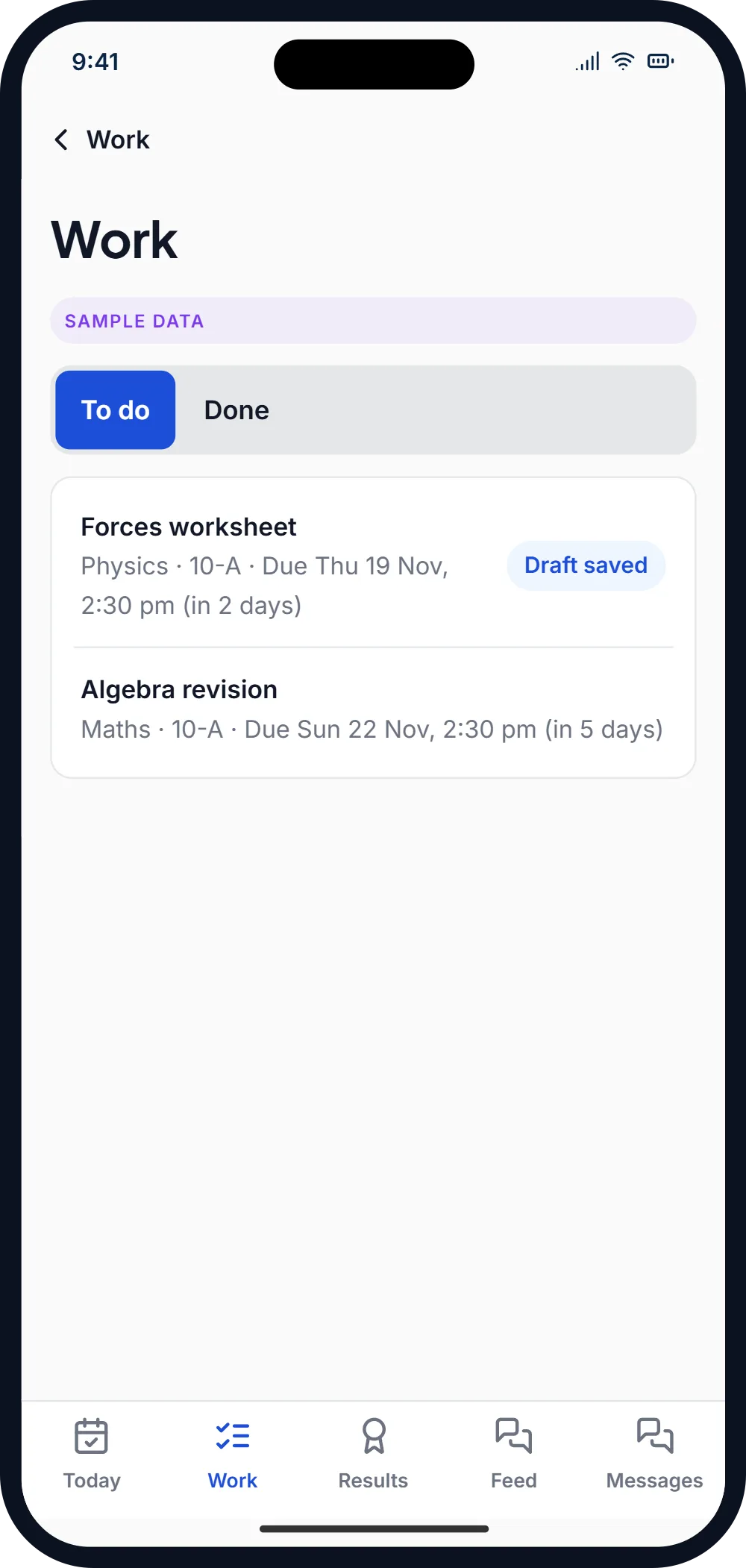
Teachers take the register and set work from their phone; students see their timetable, marks and notices.
What it uses
Attendance registers
Timetable and courses
Assignments, exams and results
Class feed with polls and quizzes
Staff leave with approvals
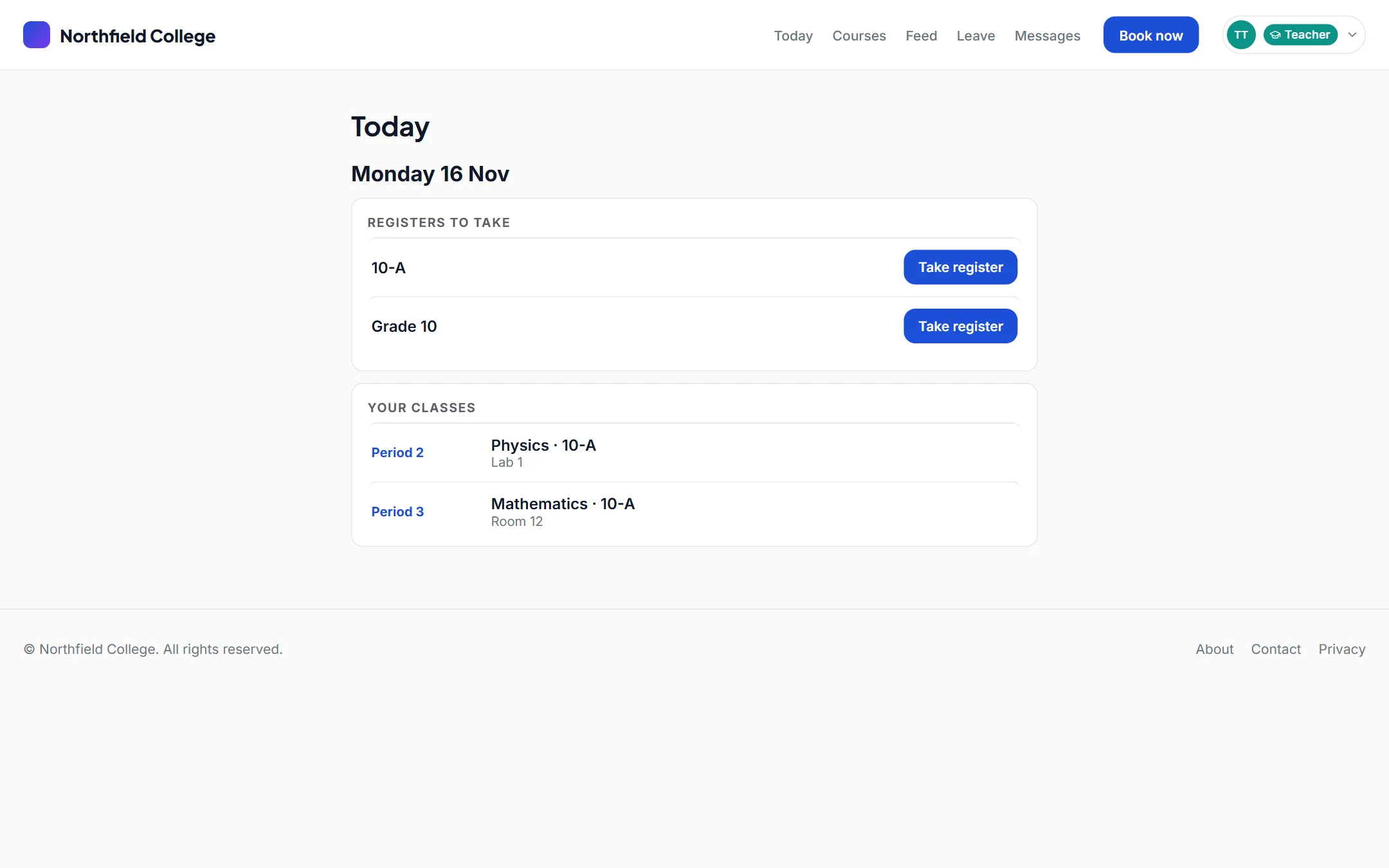
On a phone
How staff run it
Staff look after the same business from the console, on a computer.
Build yours, starting from a template.
Nothing is charged during early access. Pick a template for your kind of business and make it your own.